


Essential Jewelry Designing Tools Every Aspiring Designer Should Know
Date :
Read Min :
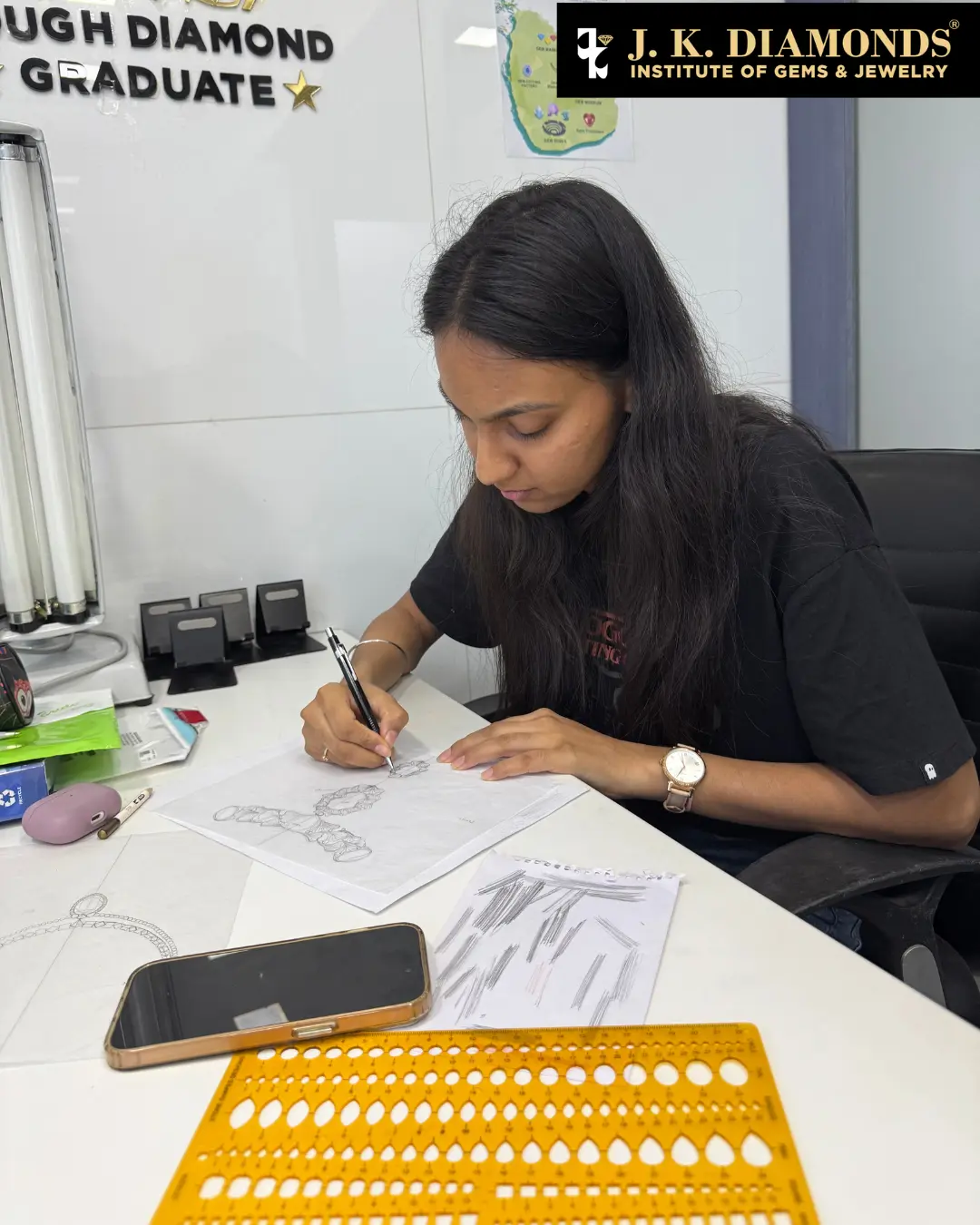
Every breathtaking piece of jewelry begins with the right tools in skilled hands. Whether you're sketching delicate curves or modeling intricate patterns on CAD software, your tools bridge imagination and reality, transforming creative vision into wearable art with precision.
At J K Diamonds Institute, aspiring designers don't just learn about jewelry designing tools; they master them. Through comprehensive Manual Design, CAD Design, and Jewelry Engineering programs, students gain hands-on training with industry-standard equipment worth lakhs of rupees, eliminating upfront investment barriers. To understand how these tools fit into a complete workflow, it's important to explore how CAD is used in jewelry designing today.
Essential Hand Tools for Jewelry Designing. Every breathtaking piece of jewelry begins with the right tools in skilled hands. Whether you're sketching delicate curves on paper or modeling intricate patterns in CAD software, your tools bridge imagination and reality, transforming creative vision into wearable art with precision.
At J K Diamonds Institute, aspiring designers don't just learn about jewelry designing tools; they master them. Through comprehensive Manual Design and CAD Design programs, students gain hands-on training with industry-standard equipment and software, eliminating upfront investment barriers and building portfolios that open doors in the jewelry industry.
Part 1: Essential Tools for Jewelry Designing
Manual Jewelry Design Tools
Professional jewelry design starts with mastering traditional techniques; the foundation that gives designers their creative edge and artistic vision.
Drawing and Sketching Fundamentals
The journey begins with pencil and paper, where imagination first takes shape.
Must-Have Drawing Tools:
⦁ Mechanical pencils (0.3mm, 0.5mm, 0.7mm) for fine detail work
⦁ Technical pens for professional renderings
⦁ Colored pencils and markers for material representation
⦁ Templates, rulers, and French curves for precision
⦁ Geometry tools for technical drawing
⦁ Quality sketch paper and tracing paper
Our 12-module Manual Design course takes students from basic jewelry artistry through advanced portfolio development:
Foundation Modules (1-3): Jewelry design basics, freehand sketching of forms found in nature, visualization techniques, technical drawing and geometry, and jewelry mechanics.
Design Development (4-7): Stone settings, designing various jewelry forms (rings, pendants, earrings, necklaces), color rendering and metal texturing, market styles from Indian to international trends, and theme-based fusion jewelry design.
Professional Practice (8-12): Metallurgy and gold purity calculations, diamond and gemstone weight calculations, client management and budgeting, presentation and marketing skills, professional portfolio creation, and certification through project work with lifetime course access. Before moving to digital tools, many designers first learn how to create your own jewelry design step by step to build strong fundamentals.
Digital Drawing: Procreate for Jewelry Designers
Procreate has revolutionized how jewelry designers create, present, and iterate on their work, becoming an essential tool in modern jewelry design.
Why Procreate Matters:
⦁ Create professional digital sketches with realistic metal and gemstone textures
⦁ Build stunning client presentations with quick color variations
⦁ Develop mood boards and design collections efficiently
⦁ Share designs instantly with clients and manufacturers
⦁ Create time-lapse videos of your design process for marketing
Essential Procreate Features for Jewelry:
⦁ Custom brushes for metal textures (gold, silver, platinum)
⦁ Layering for easy design modifications
⦁ Symmetry tools for perfectly balanced designs
⦁ Color palettes for gemstone and metal representation
⦁ Export options for professional portfolios
At J K Diamonds Institute, students learn to integrate Procreate into their workflow, creating digital portfolios that showcase both traditional artistry and modern presentation skills.
Precision Measurement and Visualization Tools
In jewelry design, accuracy defines the difference between a beautiful concept and a manufacturable piece.
Essential Measuring Equipment:
⦁ Digital calipers (0.01mm accuracy) for precise dimensions
⦁ Ring sizers and mandrels for accurate sizing
⦁ Dividers and compasses for geometric designs
⦁ Wire and gemstone gauges
⦁ Proportion dividers for scaling designs
⦁ Magnifying loupes for detail work
CAD Jewelry Design Tools
Modern jewelry design demands digital fluency. Computer-Aided Design opens possibilities impossible with hand sketching alone, from complex parametric forms to photo-realistic client presentations. For a deeper understanding, you can explore a complete Rhino jewelry CAD design guide for beginners and how it is used in professional workflows.
Industry-Standard CAD Software
Rhino 3D: The Foundation
Rhino remains the industry standard for jewelry CAD, offering unparalleled precision and flexibility for organic and geometric forms alike.
Key Capabilities:
⦁ NURBS modeling for smooth, precise curves
⦁ Perfect accuracy for manufacturing specifications
⦁ Extensive plugin ecosystem for jewelry-specific functions
⦁ Compatibility with CAM software and 3D printing workflows
⦁ Industry-wide adoption ensuring career flexibility
MatrixGold: Jewelry-Specific Powerhouse
MatrixGold (evolved from Matrix and RhinoGold) is purpose-built for jewelry, offering specialized tools that streamline the design process.
Professional Features:
⦁ Pre-built jewelry components and settings library
⦁ Parametric stone setting tools (prong, pavé, channel, bezel, invisible)
⦁ Gemstone libraries with accurate proportions
⦁ Automated prong and gallery creation
⦁ Ring sizing and pattern tools
⦁ Direct integration with manufacturing workflows
ZBrush: Organic and Artistic Modeling
For designers creating sculptural, organic, or highly detailed artistic pieces, ZBrush brings digital sculpting capabilities. Designers working on organic forms often explore ZBrush in jewelry design for advanced sculpting techniques.
Design Applications:
⦁ Organic, flowing forms impossible in traditional CAD
⦁ High-resolution surface detailing and textures
⦁ Character and figurative jewelry elements
⦁ Nature-inspired intricate patterns
⦁ Artistic pendants and statement pieces
3D Printing Software and Preparation Tools
The bridge between digital design and physical prototype requires specialized software.
ChituBox and Slicing Software:
⦁ Prepare CAD models for resin 3D printing
⦁ Optimize support structures for jewelry casting
⦁ Control layer resolution and printing parameters
⦁ Preview and troubleshoot before printing
Rendering Software for Client Presentations:
⦁ KeyShot for photo-realistic metal and gemstone rendering
⦁ V-Ray for advanced lighting and materials
⦁ Showcase designs before manufacturing
⦁ Create marketing materials and catalogs
To understand production better, it's useful to learn about 3D printing in jewelry manufacturing and its applications. If you're comparing tools, this detailed Rhino 7 vs Matrix Gold comparison for jewelry designing will help you choose the right software.
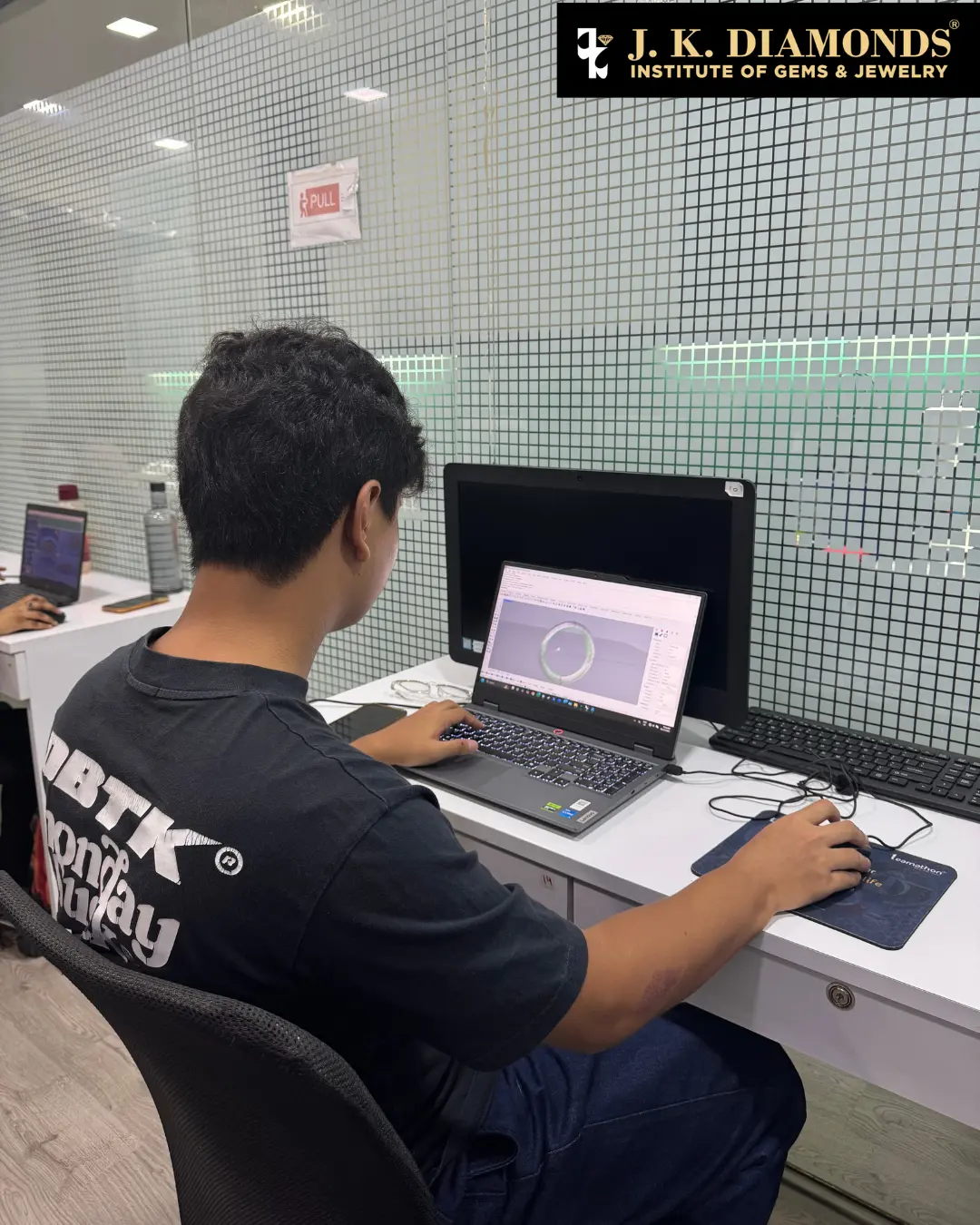
Comprehensive CAD Training: 14-Module Program
J K Diamonds Institute's structured CAD curriculum ensures complete mastery:
Foundation (Modules 1-4): CAD interface and navigation, essential functions and commands, jewelry design basics and artistry from manual design principles, freehand digital sketching, various setting types (prong, pavé, channel, bezel, invisible), technical drawing in digital environment.
Advanced Modeling (Modules 5-8): 3D modeling from 2D designs and sketches, realistic rendering with color and metal texturing, complex surface designing, component libraries and parametric design, gemstone and diamond integration, market styles and variations.
Professional Production (Modules 9-12): Jewelry parameters and manufacturing considerations, professional portfolio creation for multiple markets, manufacturing technologies and rapid prototyping, gold optimization and material calculations, jewelry valuation and budgeting, theme-based and fusion jewelry design.
Mastery (Modules 13-14): Advanced CAD techniques and complex assemblies, animation and presentation capabilities, client management and custom design workflows, certification project work integrating manual and CAD skills.
Students create professional portfolios showcasing both domestic and international design styles, with industry tours and networking opportunities with reputed manufacturers.
Part 2: Essential Tools for Jewelry Manufacturing
While designing creates the vision, manufacturing brings it to life. For students pursuing complete jewelry production knowledge, understanding manufacturing tools completes the skillset.
Metalworking and Fabrication Tools
Essential Hand Tools:
⦁ Jeweler's saw frames with various blade sizes
⦁ Files (needle and hand files in multiple shapes)
⦁ Pliers set (chain nose, round nose, flat nose, bent nose)
⦁ Hammers and forming mandrels
⦁ Soldering equipment and bench pins
⦁ Ring clamps and third hands
Why Manufacturers Need These: Manufacturing requires transforming metal into precise forms, skills taught in our Jewelry Engineering program through hands-on work with commercial-scale machinery.
Finishing and Polishing Equipment
Professional finishing separates rough castings from retail-ready jewelry.
Essential Equipment:
⦁ Flexible shaft machines with variable speed control
⦁ Polishing wheels, buffs, and compounds (tripoli, rouge, diamond)
⦁ Ultrasonic cleaners for deep cleaning
⦁ Steam cleaners for final preparation
⦁ Magnetic tumblers for batch finishing
⦁ Burnishing tools for high polish
Quality Control Tools:
⦁ Professional microscopes (10x minimum magnification)
⦁ Gold testing equipment
⦁ Gemstone verification tools
Gemstone Setting Tools
Setting stones requires specialized precision tools and years of practice.
Setting Equipment:
⦁ Stone setting burs in various sizes
⦁ Bezel pushers and rockers
⦁ Prong pushers and setting punches
⦁ Gravers for hand engraving
⦁ Setting microscopes for precision work
⦁ Flex shaft accessories for setting preparation
Our Jewelry Engineering program includes extensive practice with different setting types, from basic prong settings to advanced invisible and pressure settings, developing the precision required for flawless work on real commercial projects.
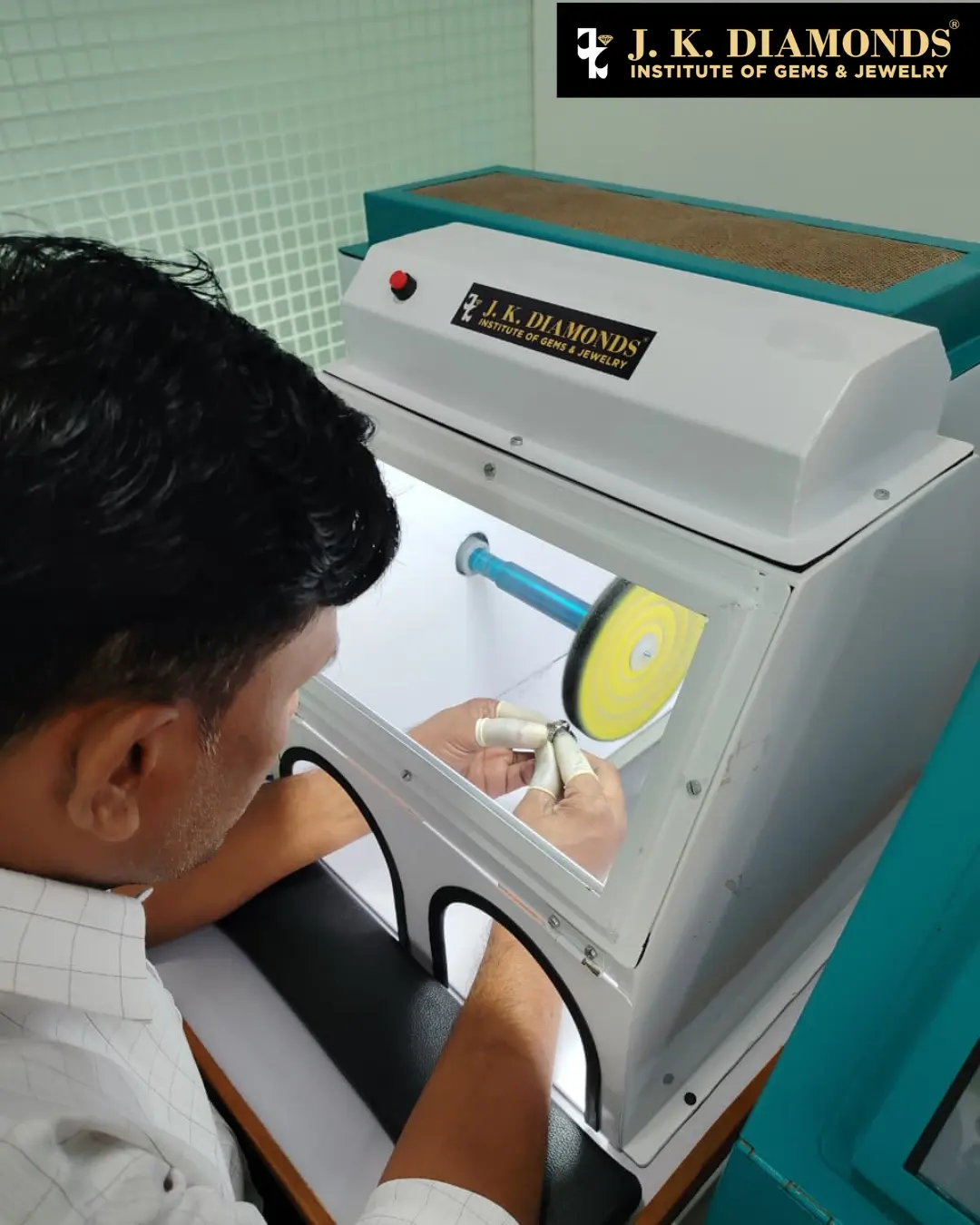
CAM Integration and Rapid Prototyping
Manufacturing Technology:
⦁ CAM software for CNC milling machines
⦁ 3D resin printers for casting patterns
⦁ Wax carving machines
⦁ Laser welding equipment
⦁ Casting equipment and investment materials
J K Diamonds Institute provides hands-on training with real commercial-scale machinery, teaching material sourcing, production workflows, casting processes, and quality control through practical application.
The JK Integrated Approach: Design to Manufacturing
Success in today's jewelry industry requires understanding both design and production; exactly what our curriculum delivers.
Manual Design Foundation: Master freehand sketching, technical drawing, color rendering, Procreate digital portfolios, and design thinking from concept to presentation across 12 comprehensive modules.
CAD Design Mastery: Complete 14 modules integrating manual design principles with digital tools, from basic Rhino interface through MatrixGold specialization to ZBrush organic modeling, with manufacturing integration and professional portfolio creation.
Jewelry Engineering (Optional): Learn complete production workflows, from CAD/CAM to 3D printing to casting to setting to quality control, operating real commercial equipment and understanding the manufacturer's perspective.
Students can take individual courses based on their career goals or combine them for comprehensive training, graduating with traditional design skills, cutting-edge digital modeling expertise, and optional manufacturing knowledge. These tools ultimately connect to the full workflow, from concept to creation, including steps involved in jewelry production from design to final piece.
FAQs About Jewelry Designing Tools
What tools do I need to start jewelry designing?
Start with quality sketching tools (mechanical pencils, paper, colored pencils), basic measurement tools (calipers, ring sizer), and access to CAD software like Rhino. Procreate on an iPad is an excellent early digital investment.How much does a complete jewelry design toolkit cost?
A beginner's manual design toolkit costs ₹5,000–₹10,000, while adding CAD requires software subscriptions (₹15,000–₹50,000 annually) and a capable computer. Professional training institutes provide equipment access, eliminating initial investment.Can I design jewelry without expensive equipment?
Yes. Many successful designers start with manual sketching and basic tools, then transition to digital platforms. J K Diamonds Institute provides access to all professional equipment during training.What CAD software do professional jewelry designers use?
Rhino 3D with MatrixGold is the industry standard, with ZBrush for organic designs. JewelCAD and Blender are alternatives, but mastering Rhino/MatrixGold ensures maximum career opportunities.Is Procreate essential for jewelry designers?
While not mandatory, Procreate has become industry-standard for client presentations, design iterations, and portfolio development. Its accessibility and powerful features make it invaluable for modern designers.Do I need to learn both manual and CAD design?
Yes. Manual skills develop artistic vision and quick conceptualization, while CAD ensures precision and manufacturability. The best designers are fluent in both, which is why our integrated curriculum covers both approaches.
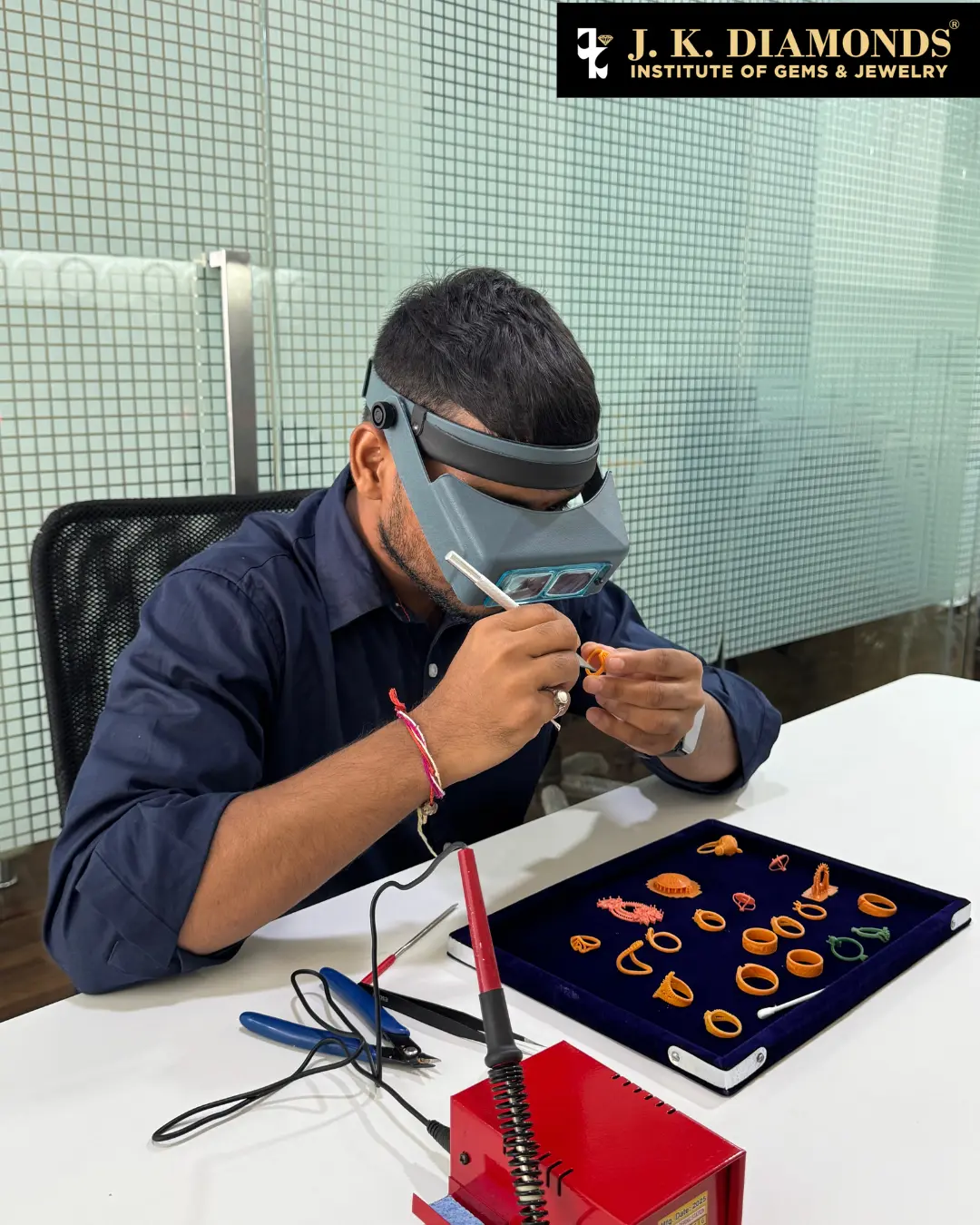
Conclusion: Master Design Tools with Professional Training
Jewelry design tools are not just instruments; they are extensions of your creativity and gateways to professional success. Whether sketching your first ring with pencil and paper, creating mood boards in Procreate, or modeling complex parametric designs in MatrixGold, every tool helps you shape imagination into reality.
At J K Diamonds Institute of Gems & Jewelry, students gain hands-on exposure to both traditional and cutting-edge digital design tools, building portfolios that demonstrate mastery across manual sketching, Procreate presentation, Rhino 3D modeling, MatrixGold jewelry-specific design, and optional manufacturing knowledge.If you're starting from scratch, this guide on how to learn jewelry designing step by step will help you build the right foundation.
Learn to master these professional design tools and create your future in jewelry with J K Diamonds Institute. To apply these tools professionally, consider structured training like a complete jewelry CAD design course with practical learning.
Explore our Jewelry Design Graduate (Manual) course for traditional design mastery, our CAD Jewelry Design Graduate program for digital excellence, or combine both for comprehensive training that makes you industry-ready from day one.
Your journey from designer to professional starts with the right tools and the right training. Start today.


Recent Blog
J K Success Stories